SS Store - Ecommerce Admin Panel
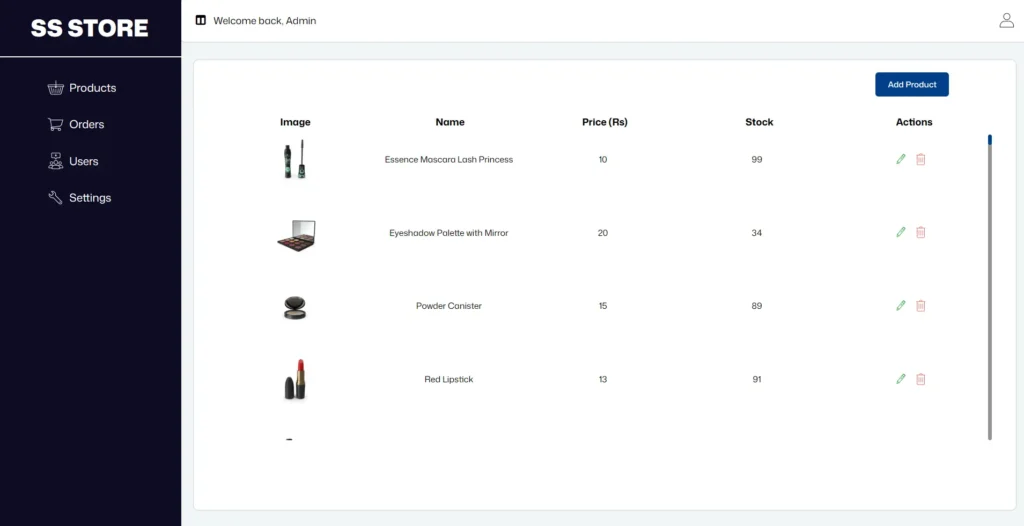
Project Overview
SS Store Admin is a frontend e-commerce administration dashboard developed using HTML, CSS, and Vanilla JavaScript.
The primary objective of this project was to understand and implement CRUD operations within a practical application rather than building a basic CRUD interface. The dashboard provides dedicated sections for managing products, viewing customer orders, and accessing user information.
While building this project, I gained practical experience with DOM manipulation, form handling and validation, browser storage, asynchronous JavaScript, related datasets, reusable utility functions, and structuring JavaScript across multiple pages.
Technologies Used
Key Features
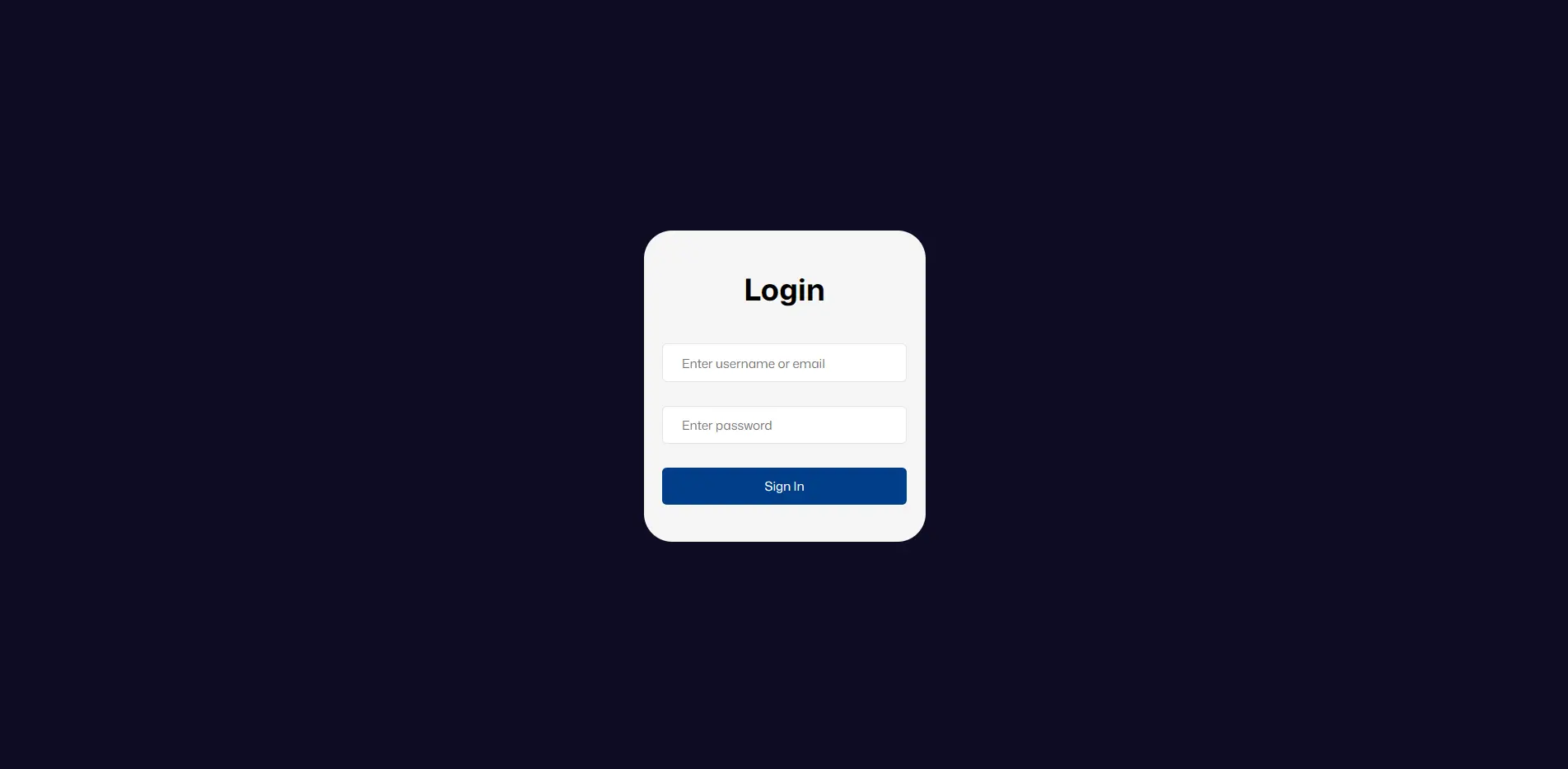
- Admin authentication with session-based login and protected pages.
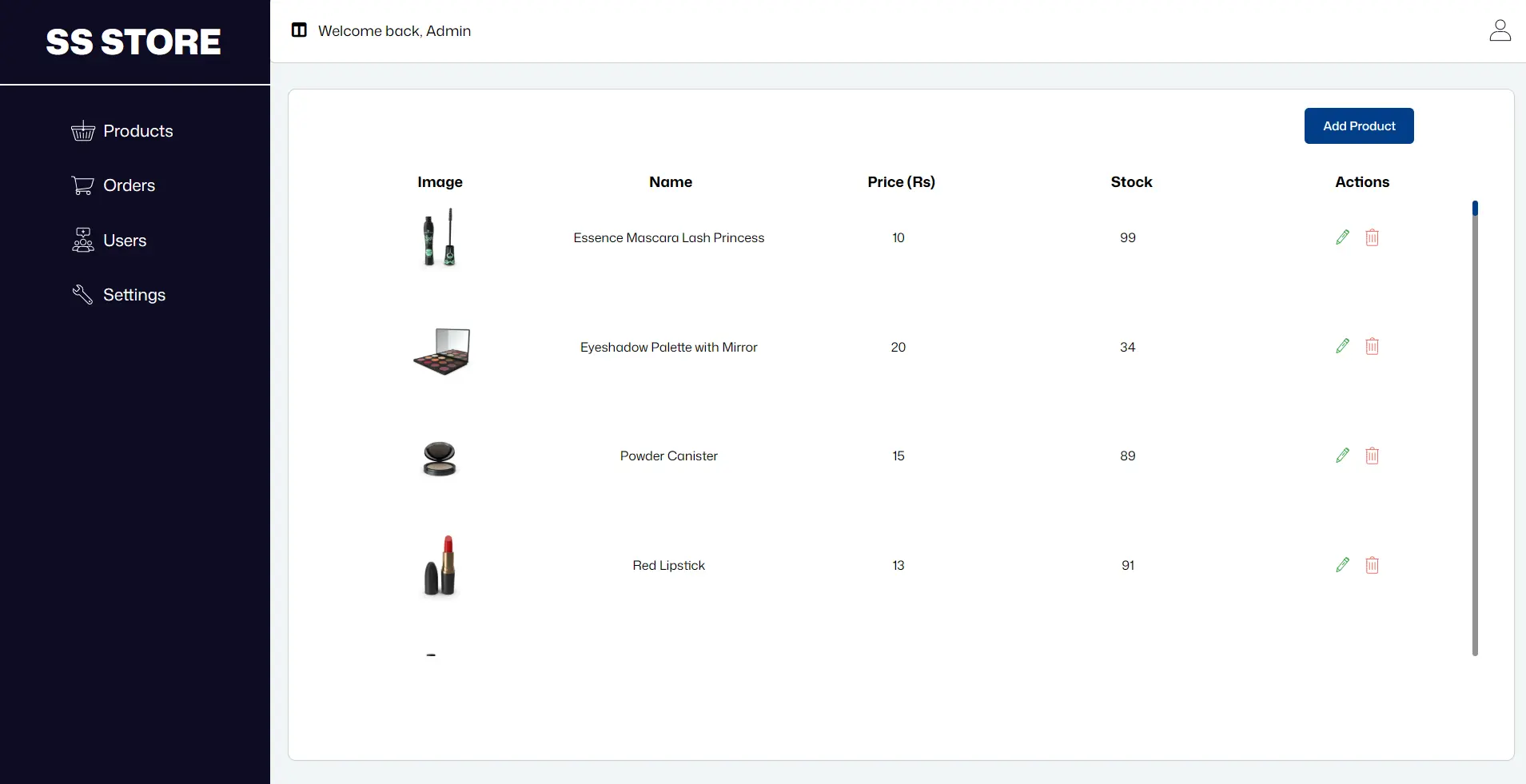
- Complete product management with Create, Read, Update, and Delete operations.
- Product form validation with image preview functionality.
- Persistent product data management using Local Storage.
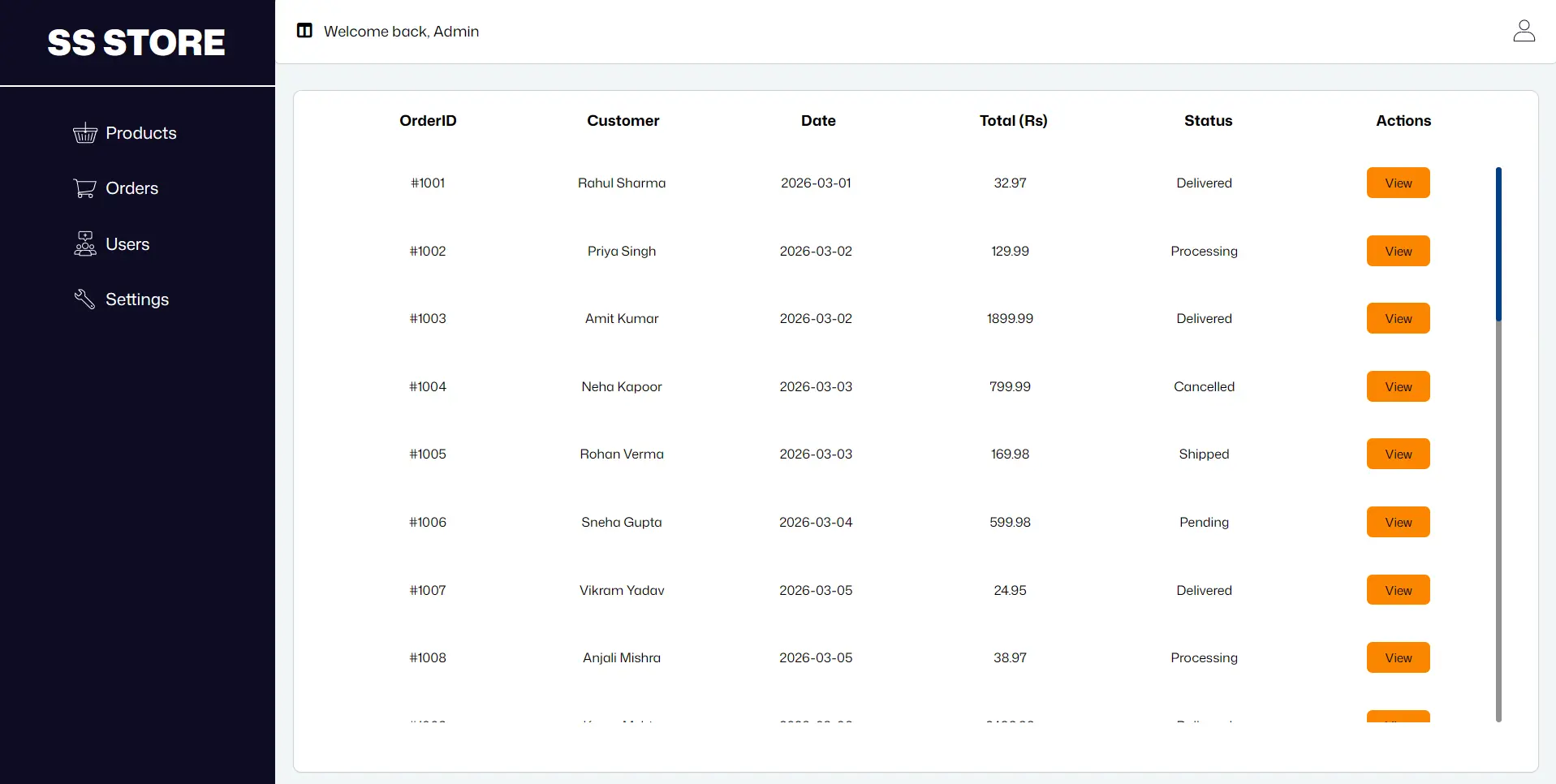
- Customer order listing with detailed order information.
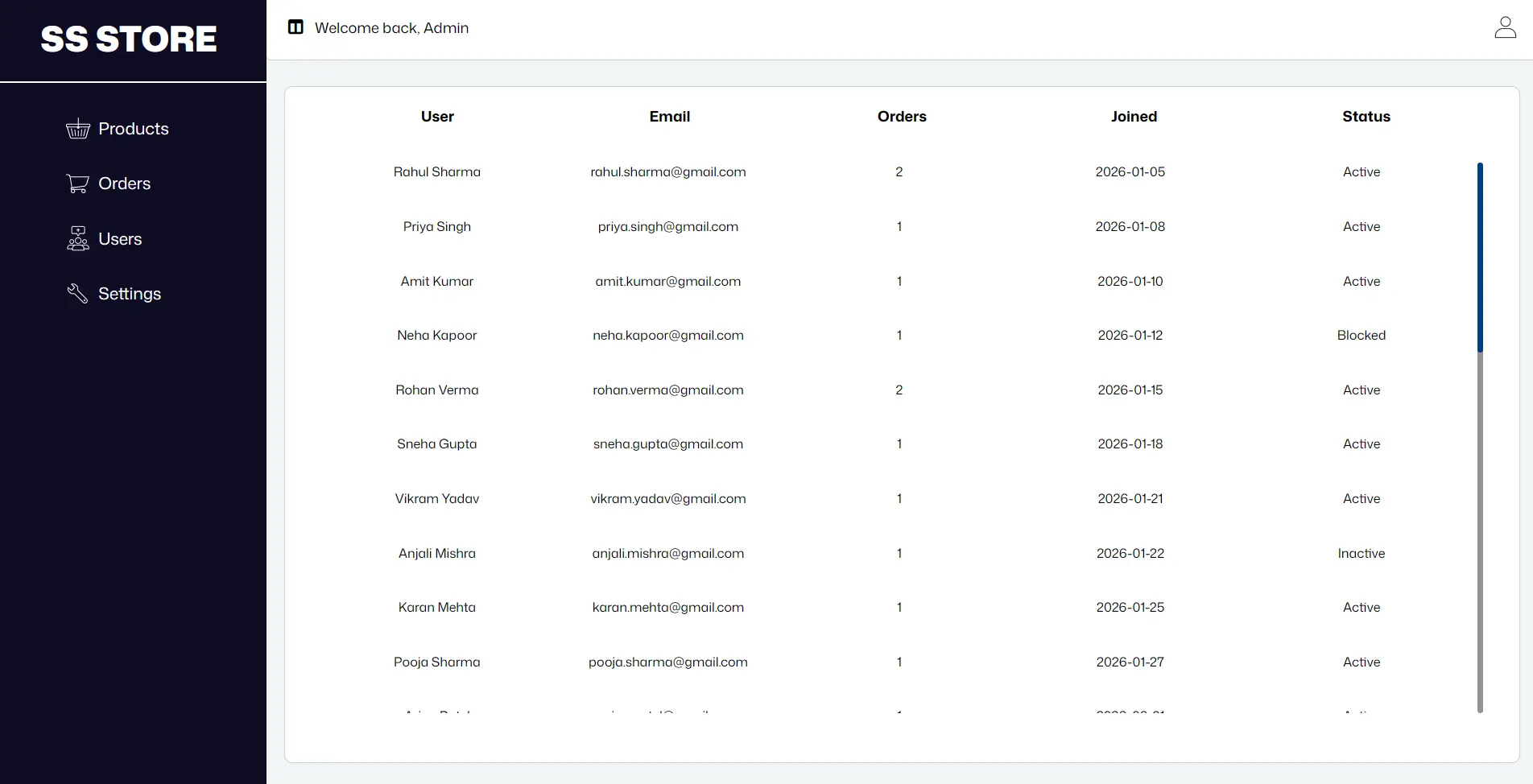
- Connected product, order, and user datasets.
- Registered user listing with dynamically calculated order counts.
- Multi-page application architecture using ES Modules.
- Reusable utility functions and structured JavaScript logic.
- Sign-out functionality with session management.
How It Works
The admin logs in using the provided demo credentials and is redirected to the dashboard after successful authentication.
From the dashboard, the admin can navigate between Products, Orders, and Users. Product data can be created, viewed, updated, and deleted, while order and user sections display information from related datasets.
Local Storage is used to persist product changes, while Session Storage manages the admin login state during the browser session.
Demo Credentials
Username: admin
Password: admin5678